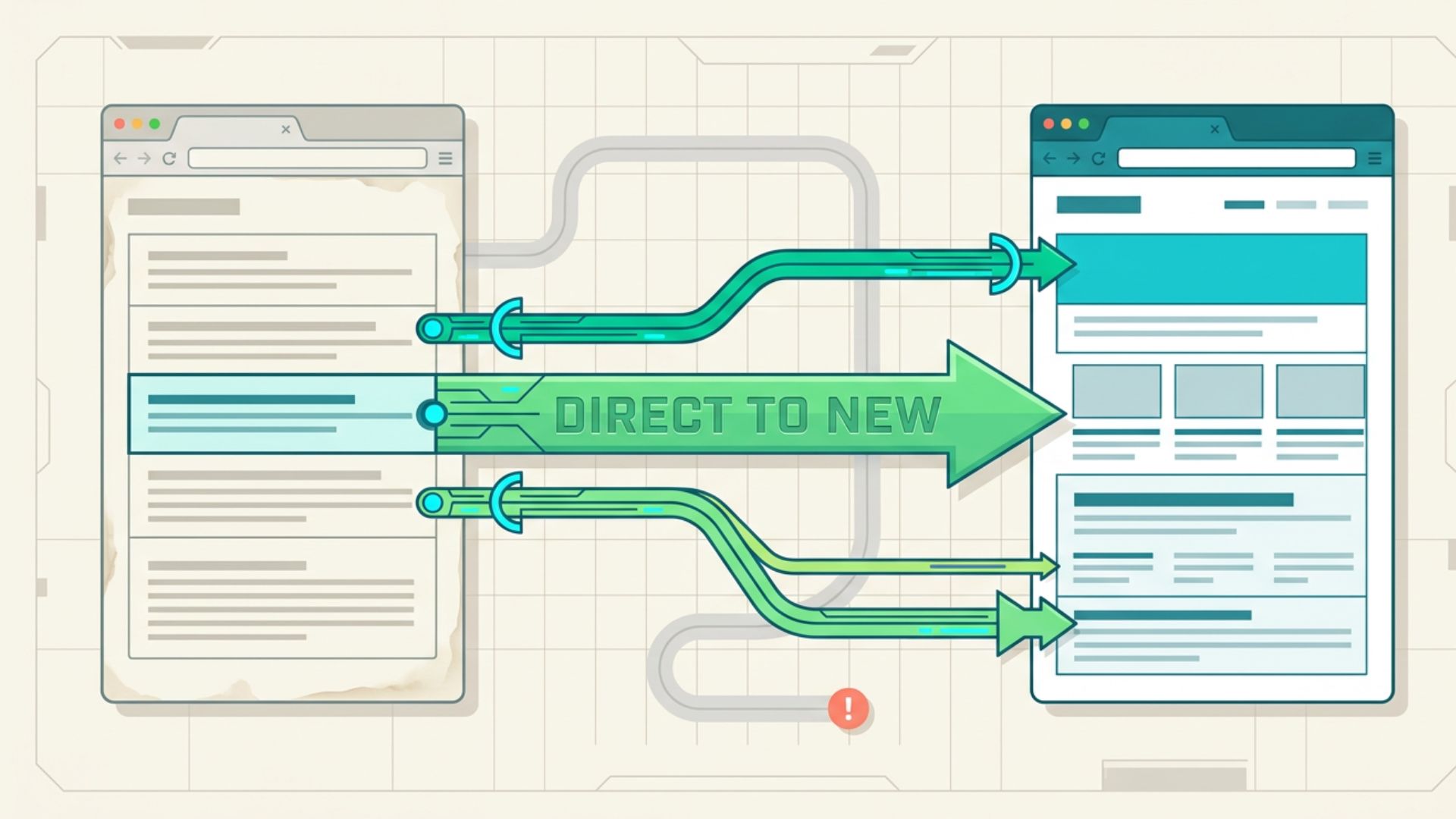
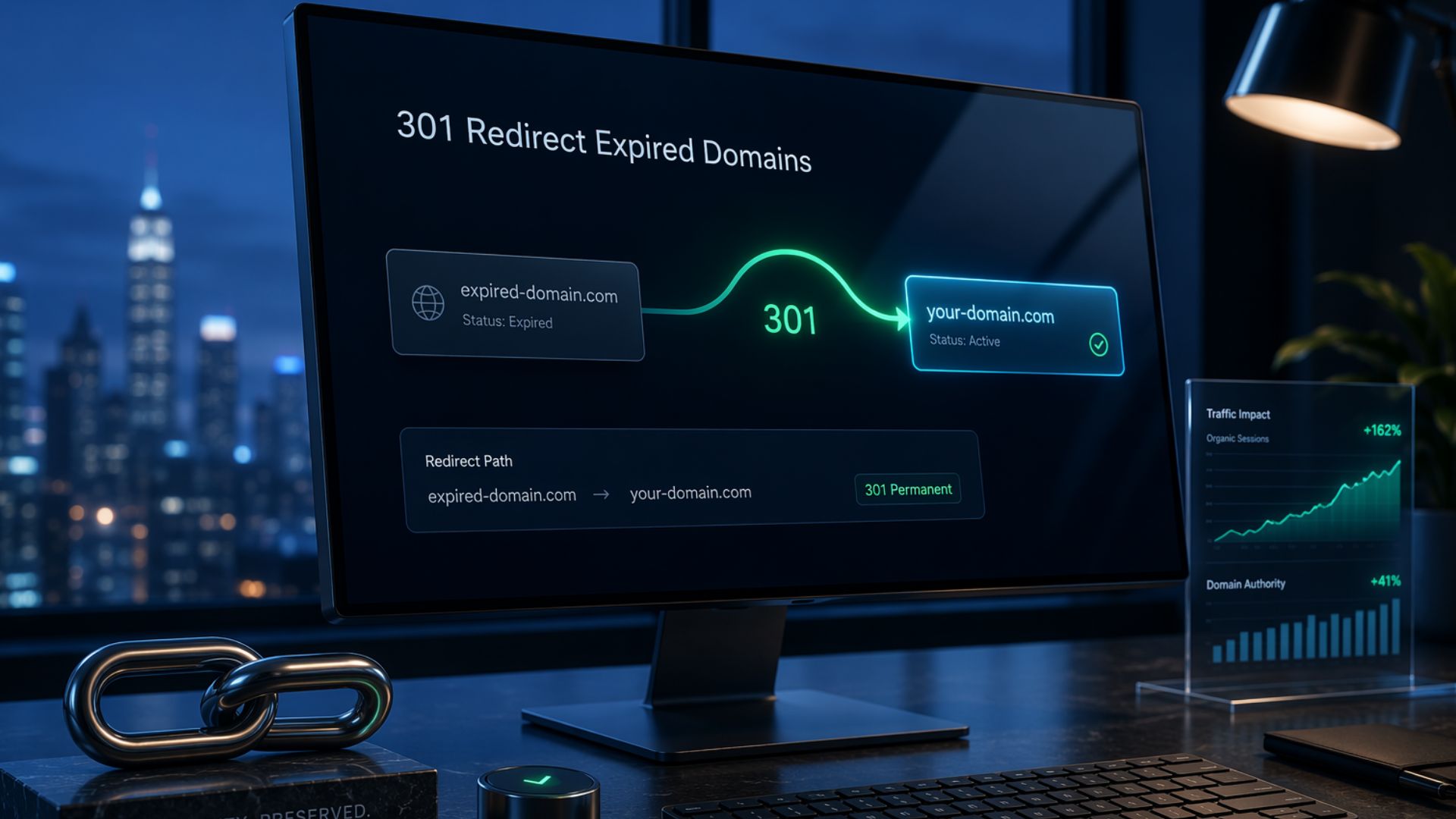
A 301 redirect is one of the most effective ways to preserve the value of an expired domain when it’s relevant to your website. However, simply redirecting an expired domain is not enough. Using the wrong domain, choosing an inappropriate redirect method, or ignoring Google’s guidelines can limit SEO benefits or even create problems.
This guide explains when a 301 redirect makes sense, how to choose the right implementation method, and the best practices to follow to redirect an expired domain correctly while supporting your long-term SEO strategy.
What is a 301 redirect for an expired domain?
A 301 redirect is a permanent HTTP redirect that automatically sends visitors and search engines from one URL to another. When used with an expired domain, it tells search engines that the domain has permanently moved to a new destination, rather than returning a “Page Not Found” error.
Website owners often use a 301 redirect after purchasing an expired domain that is closely related to their existing website. When configured correctly, it helps preserve a smooth user experience and signals that the move is permanent. Unlike temporary redirects or standard domain forwarding, a properly configured 301 redirect is the recommended option for permanent website moves and domain consolidation.
When Should You 301 Redirect an Expired Domain?
A 301 redirect is most effective when the expired domain and the destination website are closely related. Redirecting an unrelated domain simply because it has backlinks or authority is unlikely to provide long-term SEO benefits. Instead, consider using a 301 redirect in the following situations:
- Rebranding or domain migration: Redirect your old domain to the new one after changing your business name or website address.
- Merging related websites: Consolidate two websites with similar topics by redirecting the retired domain to the primary website.
- Redirecting a relevant expired domain: Point an expired domain with a clean history and relevant content to your existing website to create a seamless user experience.
- Protecting brand or keyword domains: Redirect domains that match your brand name, common misspellings, or relevant keyword variations to your official website.
- Avoid unrelated or spammy domains: Do not redirect expired domains that are unrelated to your niche, have a history of spam, or were acquired solely to manipulate search rankings.
Check an Expired Domain Before Redirecting It
Before setting up a 301 redirect, take time to evaluate the expired domain. Redirecting a domain with poor-quality backlinks, an unrelated history, or signs of spam can limit its value and create unnecessary SEO risks. Here are the key factors to review:
- Backlink profile: Check whether the domain has high-quality, relevant backlinks from trustworthy websites instead of spammy or low-value links.
- Topical relevance: Make sure the expired domain is closely related to your website or the pages you plan to redirect to. Relevant redirects provide a better user experience and align with search engine best practices.
- Domain history: Review archived versions of the website to understand how the domain was previously used and whether its past content matches your niche.
- Spam or penalty indicators: Look for signs of spam, such as unnatural backlinks, irrelevant content, or a history of malicious activity, before using the domain.
- SEO value: Confirm that redirecting the domain supports a legitimate business or website goal rather than attempting to manipulate search rankings.
How to Implement a 301 Redirect
There are several ways to implement a 301 redirect for an expired domain, and the best option depends on where the domain is hosted or managed. Regardless of the method, your goal is to permanently redirect visitors and search engines to the most relevant website or page.
Server-Level Redirects
A server-level redirect is configured directly on your web server, making it the most efficient and reliable method for permanently redirecting an expired domain. It is the recommended option if your website is hosted on a VPS or dedicated server.

To implement this method, log in to your server and add a 301 redirect to your Apache or Nginx configuration. After saving the changes, reload or restart the web server, then test the redirect to confirm that the expired domain points to the correct destination and returns a 301 Moved Permanently status.
Web Hosting Control Panel Redirects
Most shared hosting providers offer a built-in redirect tool through control panels such as cPanel or Plesk. This method eliminates the need to edit server configuration files, making it a good option for beginners.
Log in to your hosting account, open the Redirects tool, select Permanent (301), choose the expired domain, enter the destination URL, and save the changes. Once complete, test the redirect to verify it works correctly.
CDN or DNS Provider Redirects
Some CDN and DNS providers, such as Cloudflare, let you create domain-level redirects from their management dashboard. This approach is useful if the expired domain does not have its own hosting but is managed through a supported DNS provider.
Create a new redirect rule, specify the expired domain as the source, enter your destination URL, select 301 Permanent Redirect, and deploy the rule. After the changes propagate, test the redirect to ensure visitors are sent to the correct website.
CMS or Application Redirects
Many content management systems and web applications support 301 redirects through plugins or built-in routing features. This method is commonly used when redirecting URLs within an existing website.
Install a trusted redirect plugin or use your application’s routing settings to create a permanent redirect from the expired domain or URL to the new destination. Save the configuration and verify that the redirect returns a 301 status. While this method is easy to implement, server-level redirects are generally the preferred choice for redirecting an entire expired domain.
Best Practices for Redirecting an Expired Domain
Following SEO best practices helps ensure your 301 redirect supports users and search engines while reducing the risk of technical or ranking issues. Keep these recommendations in mind before and after implementing your redirect:
- Redirect to the most relevant pages: Whenever possible, redirect URLs to matching or closely related pages instead of sending all traffic to the homepage.
- Use a permanent (301) redirect: A 301 redirect signals that the move is permanent, making it the appropriate choice for domain migrations and expired domain redirects.
- Prioritize topical relevance: Redirect expired domains that are closely related to your website’s niche, products, or services to provide a better user experience and maintain contextual relevance.
- Avoid redirect chains and loops: Redirect the expired domain directly to its final destination. Multiple redirects can slow page loading and make it more difficult for search engines to crawl your website.
- Test the redirect after implementation: Confirm that the redirect returns a 301 Moved Permanently status and points visitors to the intended destination without errors.
- Monitor your website’s performance: Use tools such as Google Search Console and your web analytics platform to track indexing, traffic, and potential crawl issues after the redirect is in place.
- Follow Google’s spam policies: Use 301 redirects to support legitimate website changes, domain consolidation, or rebranding, not to manipulate search rankings with unrelated expired domains.
Conclusion
A 301 redirect is an effective way to preserve the value of an expired domain when it supports a legitimate website goal, such as a domain migration, rebranding, or the consolidation of related websites. Before implementing a redirect, evaluate the domain’s history, backlink profile, and topical relevance to ensure it aligns with your existing website.
Choosing the right implementation method and following SEO best practices helps create a smooth experience for both users and search engines. When used correctly, a 301 redirect can support your long-term SEO strategy while maintaining the relevance and integrity of your website.