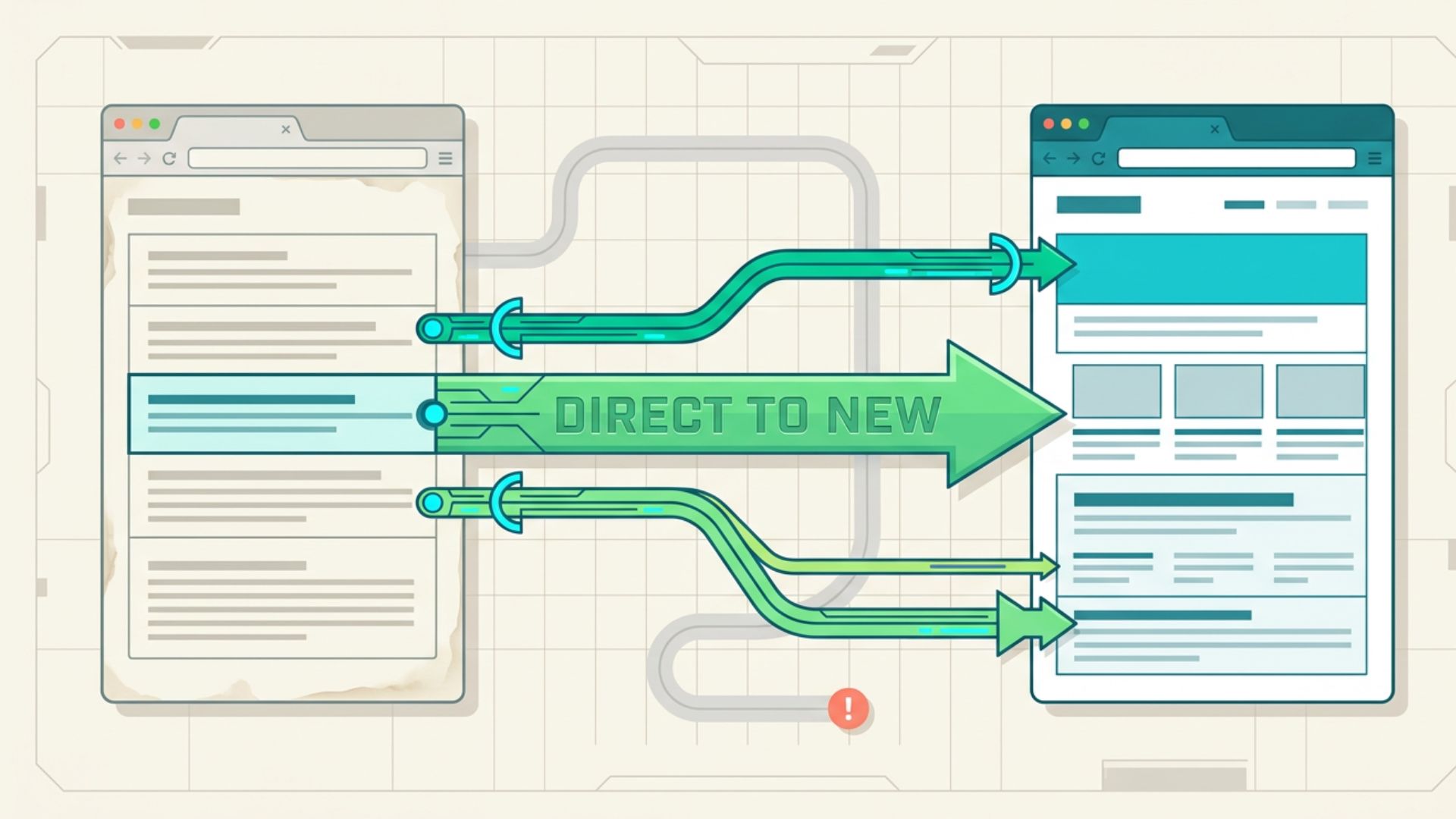

An expired domain can look like a valuable SEO opportunity when it has a history of relevant content, established backlinks, and existing search visibility. But those signals alone do not make it suitable for a 301 redirect. Using the wrong one can create irrelevant redirects or introduce unnecessary SEO risks. The key is identifying which parts of its history are still useful and connecting them to the right destination. With careful evaluation and targeted redirects, businesses can use relevant expired assets without relying on outdated SEO shortcuts.
When an Expired Domain Is Worth Redirecting
Not every expired domain is a good candidate for a 301 redirect. The strongest opportunities have a clear connection to the receiving website, along with useful content and backlinks worth preserving.
Look for these signs:
- Relevant topic: The previous site covered a subject closely related to the destination website.
- Useful pages: It had URLs with content, links, or search visibility that you can replace with relevant pages on the new site.
- Relevant backlinks: Its links came from credible, topically related sources rather than unrelated or suspicious sites.
- Logical purpose: A genuine reason to consolidate the old site with the new one, such as a business acquisition, site merger, or replacement.
An expired domain with strong SEO metrics but no meaningful connection to the destination is usually a poor candidate. Relevance should come before metrics.
How to Evaluate an Expired Domain Before Buying
A promising expired domain can still turn out to be a poor investment after a closer look. Before buying, examine its past use, backlink profile, and relevance to the site you plan to redirect it to.
Check Its History
Review archived versions of the website to see what it previously published and whether its topic remained consistent. Watch for sudden shifts in subject, spam content, or other signs of misuse.
Analyze Its Backlink Profile
Look beyond the number of backlinks. Check who is linking to the site, which pages earned those links, and whether the surrounding content is relevant. Quality and context matter more than a large link count.
Look for Spam or Manipulation
A history of hacked pages, artificial links, or unrelated content can make an expired domain a poor choice. Investigate unusual patterns before assuming its existing SEO signals are valuable.
Assess Topical Relevance
Compare the site’s former subject with your own. There should be a clear reason why its old content and links belong with the new website. If that connection is difficult to explain, the purchase is probably not worth pursuing.
How to Leverage an Expired Domain With 301 Redirects
An expired domain can be used in different ways depending on what remains useful from its previous website. The right approach may involve moving an entire site, preserving specific URLs, or creating new destinations for content that still has value. The key is to match each old URL with a destination that makes sense.
Merge a Closely Related Website
When an expired website has a strong connection to an existing site, its useful pages can be incorporated through targeted redirects. This can apply when two related websites are combined or when one business takes over another. Each important URL should lead to the most appropriate page on the current site.
Preserve Valuable Older URLs
Not every page needs a redirect. Focus on URLs that earned relevant links, attracted visitors, or contained useful information. Sending those pages to comparable destinations keeps the most useful parts of the old site connected to the current one.
Build New Destinations for Worthwhile Content
Some old pages may have useful backlinks but no suitable page on the receiving site. Instead of redirecting them to an unrelated page, create a new resource that covers the same subject. Then point the old URL to the new page.

Combine Overlapping Pages Into One Resource
Several old URLs may cover closely related subjects that one comprehensive page can address more effectively. When the new resource genuinely covers what those pages provided, redirect them to it instead of maintaining several separate destinations. Google also recognizes consolidating multiple pages into one as a legitimate use of redirects.
Move Former Brands or Products to Their Current Successor
A discontinued brand, product, or acquired business may have an existing website with URLs that people still visit or reference. Where there is a clear successor, redirect those URLs to the corresponding current pages, helping visitors find the information or service that replaced the old one.
Across these approaches, the objective is the same: use what is genuinely useful from the old site without creating artificial or irrelevant connections.
How to Execute the Redirect Strategy
Once you’ve identified the right URLs and destinations, implement the redirects carefully. A clear URL map helps prevent irrelevant destinations, broken links, and unnecessary redirect steps.
Identify URLs to Redirect
Create a list of old URLs that have a legitimate reason to be preserved. Prioritize pages with relevant backlinks, useful content, or meaningful traffic rather than redirecting the entire site by default. Google recommends identifying important old URLs and mapping them to their new destinations as part of a site move.
Match Each URL to Its Destination
Assign each selected URL to the most appropriate page on the receiving website. The destination should satisfy the same user need as closely as possible. If no relevant replacement exists, do not force the URL onto an unrelated page.
Set Up the 301 Redirects
Configure permanent, server-side 301 redirects from the selected old URLs to their new locations. Keep the path as direct as possible and avoid routing one redirect through another. Google recommends server-side permanent redirects such as 301 or 308 when technically possible.
Test the Redirects
After implementation, check the old URLs to confirm they return the expected redirect and reach the intended destination. Also test for broken targets, redirect chains, and loops. Google recommends testing redirects and advises keeping chains short, ideally avoiding them altogether.
Common Mistakes to Avoid
Using an expired domain for redirects can go wrong when you base decisions on metrics rather than relevance and context. Avoid these common mistakes:
- Choosing based only on DA or DR: High third-party authority scores do not guarantee useful backlinks or SEO value. Review the actual link profile and history instead.
- Redirecting an unrelated site: A strong backlink profile does not make an unrelated website a suitable redirect source. The previous topic should clearly connect to the destination.
- Sending every URL to the homepage: Redirect old URLs to their most relevant replacement when one exists. Google warns against sending many unrelated old URLs to a single destination such as the homepage, as this can confuse users and may result in soft 404 treatment.
- Ignoring historical use: A site that was previously filled with spam, hacked content, or unrelated material may not be worth acquiring, regardless of its metrics.
- Creating redirect chains or loops: Keep redirects as direct as possible and check the setup after implementation to avoid unnecessary hops or circular redirects.
- Expecting guaranteed ranking gains: A 301 redirect signals a permanent move, not a guarantee of higher rankings. Its usefulness depends on the relationship between the old and new URLs and the quality of the underlying site assets.
Expired Domains, 301 Redirects, and Google’s Spam Policies
Google allows legitimate redirects for situations such as moving a website or consolidating several pages. At the same time, it defines expired domain abuse as purchasing an expired domain and repurposing it primarily to manipulate search rankings with content that provides little or no value to users.
That means the acquisition itself is not the issue. The purpose and implementation matter. Using a related site as part of a legitimate consolidation differs from buying an unrelated property solely for its past reputation and using it as a ranking shortcut. Redirects should provide a sensible path for users rather than create artificial connections for search engines.
Conclusion
An expired domain is worth redirecting when its history, backlinks, and content clearly connect to the receiving website. The strategy is most defensible when there is a legitimate reason to consolidate the sites and specific URLs have useful destinations. Google’s documentation also confirms that permanent redirects do not cause a loss in PageRank, but that does not make every expired property a useful redirect source.
The better approach is to evaluate the asset before buying it, identify what is genuinely worth preserving, and redirect only where the destination makes sense. If the only attraction is a high authority score or a large backlink count, it is usually better to walk away. An expired domain’s value lies in the relevant assets it can contribute, not simply in the metrics attached to its name.